
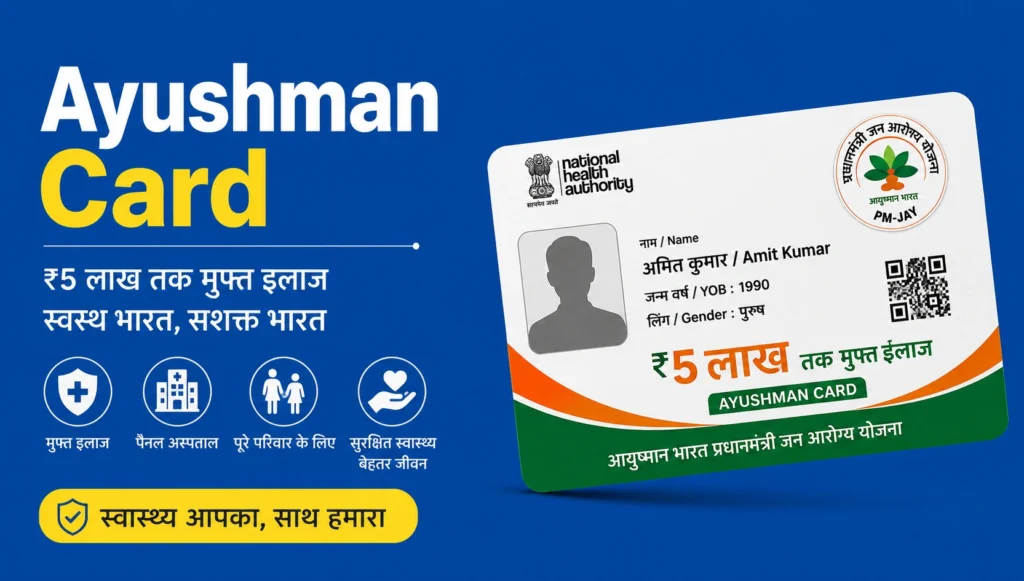
Ayushman Card Download: Ayushman Bharat Pradhan Mantri Jan Arogya Yojana (PM-JAY) provides free healthcare services to eligible poor and economically weaker citizens across India. Under this scheme, beneficiaries are issued an Ayushman Card, which allows them to receive cashless treatment of up to ₹5 lakh at eligible government and empanelled private hospitals.
To make the Ayushman Card Download process easier, the government provides several digital facilities, including the PM-JAY portal, DigiLocker, CSC centres, the UMANG app, and the National Health Authority (NHA) portal. Through these platforms, eligible beneficiaries can easily download or access their Ayushman Card and use the benefits available under the scheme.
How to Download Ayushman Card from the PMJAY Portal?
You can easily complete the Ayushman Card Download process online from the comfort of your home under the Ayushman Bharat Pradhan Mantri Jan Arogya Yojana (PM-JAY).
- To download your Ayushman Card online, visit the official Ayushman Bharat website: https://www.pmjay.gov.in/
- On the homepage, click on the “Am I Eligible”
- You will now be redirected to the https://beneficiary.nha.gov.in/ website.
- On this website, you will see a “Login As” form.
- Select the “Beneficiary” option in the form and enter the captcha code.
- Enter the mobile number registered with your Ayushman Card.
- An OTP will be sent to your registered mobile number. Enter the OTP to verify your identity.
- Enter the captcha code shown on the screen and click on the “Login” button.
- After successful login, a new form will appear on your screen.
- In this form, select the Scheme, State, Sub-Scheme, District, and one option under Search By, such as Family ID, Aadhaar Number, or PMJAY ID.
- After completing the search, your Ayushman Card Status List will appear on the screen.
- Find your name in the list and check the Card Status column.
- If your card status shows “Approved,” you can click on the “Download” link under the Action section.
- Your Ayushman Card will then be downloaded in PDF format.
This is one of the easiest ways to complete the Ayushman Card Download process online.
Ayushman Card Download via UMANG Portal
You can also use the UMANG App to access Ayushman Bharat services and check your application or card status.
- First, download the UMANG App on your smartphone.
- You can download the app from the Google Play Store or Apple App Store.
- Register your account on the UMANG portal.
- If you already have a UMANG account, log in using your registered mobile number and MPIN.
- After logging in, click on the “Schemes” option from the menu bar.
- Scroll down and go to the “Explore Schemes” section.
- Under Explore Schemes, go to Categories and select Health & Wellness.
- Use the search bar and search for “Ayushman Card Download.”
- The Ayushman Bharat scheme will appear in the search results.
- If you have already applied for an Ayushman Card through the UMANG portal, go to the Application Status section.
- Check whether your card has been approved.
- If the Ayushman Card is approved, click on the Download button to complete your Ayushman Card Download.
Ayushman Card Download via NHA Portal
The National Health Authority (NHA) portal also provides an easy way to access and download your Ayushman Card.
- Visit the official NHA beneficiary portal at https://beneficiary.nha.gov.in/
- Log in to your account on the website.
- Enter your registered mobile number in the login form and click on the option to generate an OTP.
- An OTP will be sent to your registered mobile number.
- Enter the OTP and complete the verification process.
- Click on the Login option to access your account.
- After logging in, a new form will appear. Enter the required information.
- Select the Scheme, State, Tehsil, District, and one of the available search options.
- After submitting the details, your Ayushman Card application status will be displayed.
- In the application status section, you can view the relevant details.
- Check the card status next to your name. If it shows “Approved,” it means your Ayushman Card has been generated.
- Click on the Download option and complete the required Aadhaar authentication.
- In the authentication form, enter your Aadhaar Number and select the appropriate Authentication Mode.
- Click on the Authentication button.
- After successful authentication, your Ayushman Card will appear on the screen.
- Click on the Download button to save your Ayushman Card.
- Your card can then be saved and used as required.
By following these steps, eligible beneficiaries can complete the Ayushman Card Download process online from home.
Download Ayushman Card via DigiLocker Portal
DigiLocker is another digital platform through which eligible users may access their government documents.
- To access your Ayushman Bharat Card through DigiLocker, install the DigiLocker App on your smartphone.
- Alternatively, open the official DigiLocker website at https://www.digilocker.gov.in/
- Log in to your DigiLocker account.
- If you do not have a DigiLocker account, click on “Sign Up” and complete the registration process.
- After logging in, go to the “Search Documents” section on the dashboard.
- Search for “Ayushman Card Download” in the Search Documents section.
- An Ayushman Bharat option may appear in the search results. Click on it.
- A new page will open with the available document options.
- Select “Pradhan Mantri Jan Arogya Yojana.”
- A form will appear where you need to enter the required details, such as your PMJAY ID and State Name.
- Click on the “Get Document” button.
- If the details are successfully verified, your Ayushman Card will be displayed.
- Click on the Download option to save your card in PDF format.
This provides another convenient method for accessing your Ayushman Card digitally.
Ayushman Card Download via Ayushman App
The official Ayushman App can also be used to access Ayushman Bharat-related services.
- Open the Google Play Store on Android or the Apple App Store on iOS.
- Search for “Ayushman App.”
- Install the official Ayushman App on your smartphone.
- Open the app and select the “Beneficiary” option.
- Enter your registered mobile number and log in.
- Select your State, District, and Scheme (PMJAY).
- For searching your beneficiary record, select one of the available options, such as Family ID, Aadhaar Number, Name, or PMJAY ID.
- Your Ayushman application status will then appear on the screen.
- Check whether your application/card status shows “Approved.”
- If your card is approved, click on the Download button.
- Complete the required authentication and verification process.
- After successful verification, you can complete your Ayushman Card Download and save the card on your device.
Who Is Eligible for the Ayushman Card?
Before applying for an Ayushman Card, it is important to check whether you meet the eligibility criteria under the Ayushman Bharat Pradhan Mantri Jan Arogya Yojana (PM-JAY). The eligibility rules are mainly based on the socio-economic conditions of families in rural and urban areas.
The Ayushman Card is generally provided to families identified as poor or vulnerable through the SECC (Socio-Economic Caste Census) data or included in the applicable PM-JAY beneficiary database.
Eligibility for Rural Families- Ayushman Card Download
For families living in rural areas, eligibility is determined mainly by their living conditions and socio-economic status. The government considers specific deprivation criteria to identify families that may qualify for PM-JAY benefits.
Eligibility for Urban Families- Ayushman Card Download
For urban households, eligibility is primarily based on the type of occupation or work performed by family members. Certain categories of workers from economically weaker sections may qualify under the scheme.
If your family meets the applicable eligibility criteria and is included in the beneficiary database, you may be able to receive an Ayushman Health Card and access cashless healthcare benefits at eligible hospitals.
Documents Required for Ayushman Bharat Yojana Card
If you are eligible for the Ayushman Bharat Pradhan Mantri Jan Arogya Yojana (PM-JAY), you may need to provide certain documents to verify your identity and beneficiary details. The exact documents can vary depending on the verification method and the beneficiary’s circumstances.
Common Documents Required
- Aadhaar Card: Aadhaar is commonly used for identity verification and authentication.
- Mobile Number: A valid mobile number may be required for OTP-based verification and communication.
- Ration Card: A ration card or other family-related document may be required to establish family details.
- PM-JAY or Family ID: If available, your PM-JAY ID, Family ID, or beneficiary reference details can help locate your record.
- Identity Proof: In some cases, another valid government-issued identity document may be accepted for verification.
- Address Proof: Address-related documents may be requested where required for beneficiary verification.
- Other Supporting Documents: Depending on the case and state-level process, additional documents may be requested by the concerned authority or Common Service Centre (CSC).
Conclusion- Ayushman Card Download
The Ayushman Card Download process can be completed through different digital platforms, including the NHA beneficiary portal, UMANG, DigiLocker, and the Ayushman App, depending on the services currently available to the beneficiary. Before downloading the card, make sure your beneficiary details and application status are correct and that your card shows an approved status.